en


The Winners33 login screen asks for very little: a phone number or a username, plus your password. Opening an account is nearly as short, because we verify you with an SMS code rather than a long form. Below is exactly what the register form asks for, how to log in on either tab, what to do when a password goes missing, and the straight answer on mobile play and the app question.
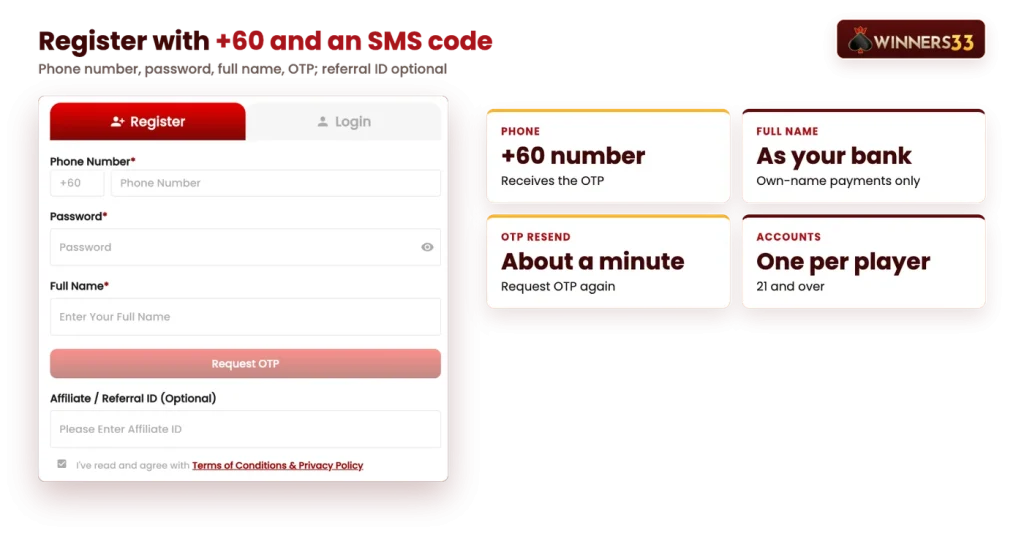
Registration (daftar, as many Malaysian players call it) runs entirely on your phone number. There is no email sign-up and no social login: the +60 number you enter becomes the identity of the account, so it has to be a number you control and can receive SMS on.
Everything in our online casino sits behind that one account, from the slot lobbies to 4D and the sportsbook, and one account per player is the rule.
The full name field is the one people rush, and it is the one that matters later. Deposits and withdrawals must be in your own name, so a nickname or a shortened spelling can hold up a cash-out until the details match. Get it right now and your first deposit and every withdrawal after it will clear the name check without extra questions.
Keep in mind
Register with the same full name as your bank account or e-wallet.
No identity documents are needed to sign up. Documents may be requested later, before a withdrawal, which is another reason the name on the account should match your banking from day one.
The login form has two tabs, and both lead to the same account and the same wallets. Pick whichever you remember more easily.
| Login method | What you enter |
|---|---|
| Phone Number | Your mobile number after the +60 prefix, plus your password |
| Username | The username on your account, plus your password |
Tap Login in the header from any page, on desktop or on mobile. Some players type the brand without the second s and search for winner33 login instead; it is the same platform and the same form.
Use the Forgot username or password link under the form. The reset runs through the mobile number on your account, which is why that number needs to stay current and reachable. Keep the phone nearby, because a code is sent to it.
If nothing arrives, wait for the resend window of roughly a minute and ask for the code again. Do not register a second account to get around a lost password. One account per player is the rule, duplicates may be closed, and our Live Chat team is available around the clock to help you recover the original.
On mobile, the bottom bar gives you Home, Referral, Wallet and Promo, plus Profile for your account details. Side shortcuts open Daily Check In and Daily Mission, which pay out W.Point for topping up and for turnover.
A new account can go straight to the cashier, because the welcome bonus is chosen inside the deposit form rather than claimed afterwards. Pick it before you submit the deposit, not after.
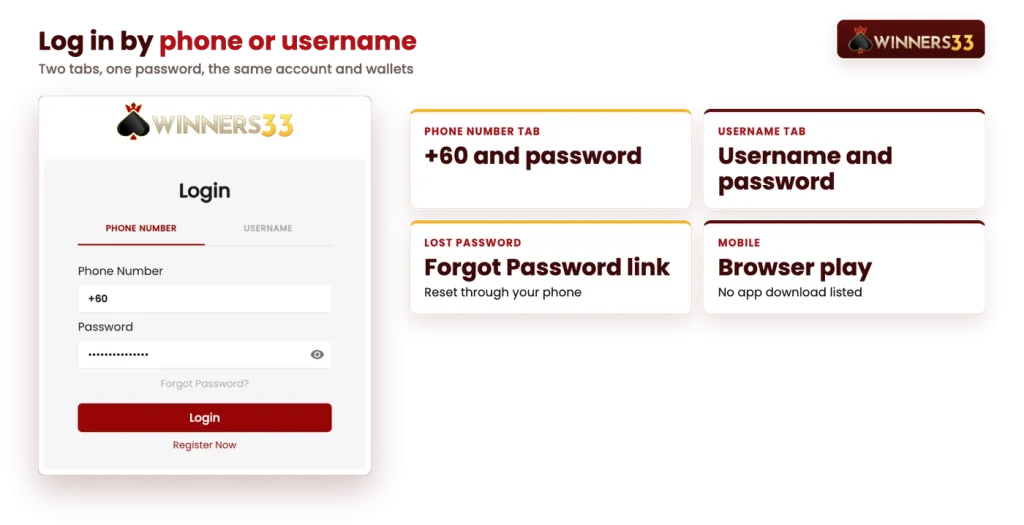
There is no app to download. Searches for a Winners33 app or a Winners33 APK come up empty for a simple reason: no download link and no store listing is offered. The full site runs in your mobile browser with the account you already have, and Chrome or Firefox are the suggested browsers.
If you want an icon instead of typing an address, use your browser’s own shortcut feature. In general, that means opening the browser menu on the site and choosing Add to Home Screen, which drops an icon on your phone that opens the lobby in one tap. Nothing is installed, so nothing needs updating.
Treat any APK file offered elsewhere as a risk. A sideloaded file from an unknown source can imitate a login page closely enough to fool you and capture the password you type into it. Since browser play uses the same account, the same wallets and the same promotions, there is nothing to gain from the file and a password to lose.
Registration needs one phone number, one password and one SMS code, and the welcome bonus is selected in the deposit form on the same visit.
Your login details are yours alone to keep. The terms put responsibility for confidentiality on the account holder, so a password shared with a friend or saved on a shared computer is a problem you would own.
Shared devices cause a second issue. Our promotion terms limit offers to one per person, name, device, phone number, IP address, email and bank account, so two people claiming bonuses from the same handset can put both accounts under review.
Two more rules apply to every account. VPNs and proxies used to get around jurisdiction restrictions are not permitted under the terms, and accounts are for adults aged 21 and over.